 Domicile Certificate
Obtaining a Domicile Certificate is an essential process for residents looking to establish their residency status. This guide outlines the step-by-step procedure to apply for a Domicile Certificate, ensuring you are well-informed at each stage. For additional help, check out our Domicile Certificate Login Guide.
Who This Is For
This guide is intended for residents seeking to apply for a Domicile Certificate. It is important for individuals who need to establish their domicile for various legal and administrative purposes.
- Application Submission Time: 1-2 weeks for processing.
- Expected Approval Duration: 3-6 weeks depending on verification.
- Factors Affecting Timelines: Documentation accuracy and regional processing times.
Eligibility & Requirements (Verify Official Notice)
To apply for a Domicile Certificate, ensure that you meet the eligibility criteria. Requirements may vary by location, so it is crucial to check the official portal for specific details. Generally, you must be a resident of the state in which you are applying.
- Must be a legal resident of the state.
- Age requirements may apply.
- Additional criteria might include proof of residence.
Documents Needed
Gather necessary documents before starting your application. Commonly required documents include proof of identity, proof of residence, and any other supporting documents as specified by the local authorities.
- Government-issued photo ID (Aadhaar, Passport, etc.).
- Utility bills or rental agreements as proof of residence.
- Birth certificate or school certificate (if applicable).
Step-by-Step: How to Proceed
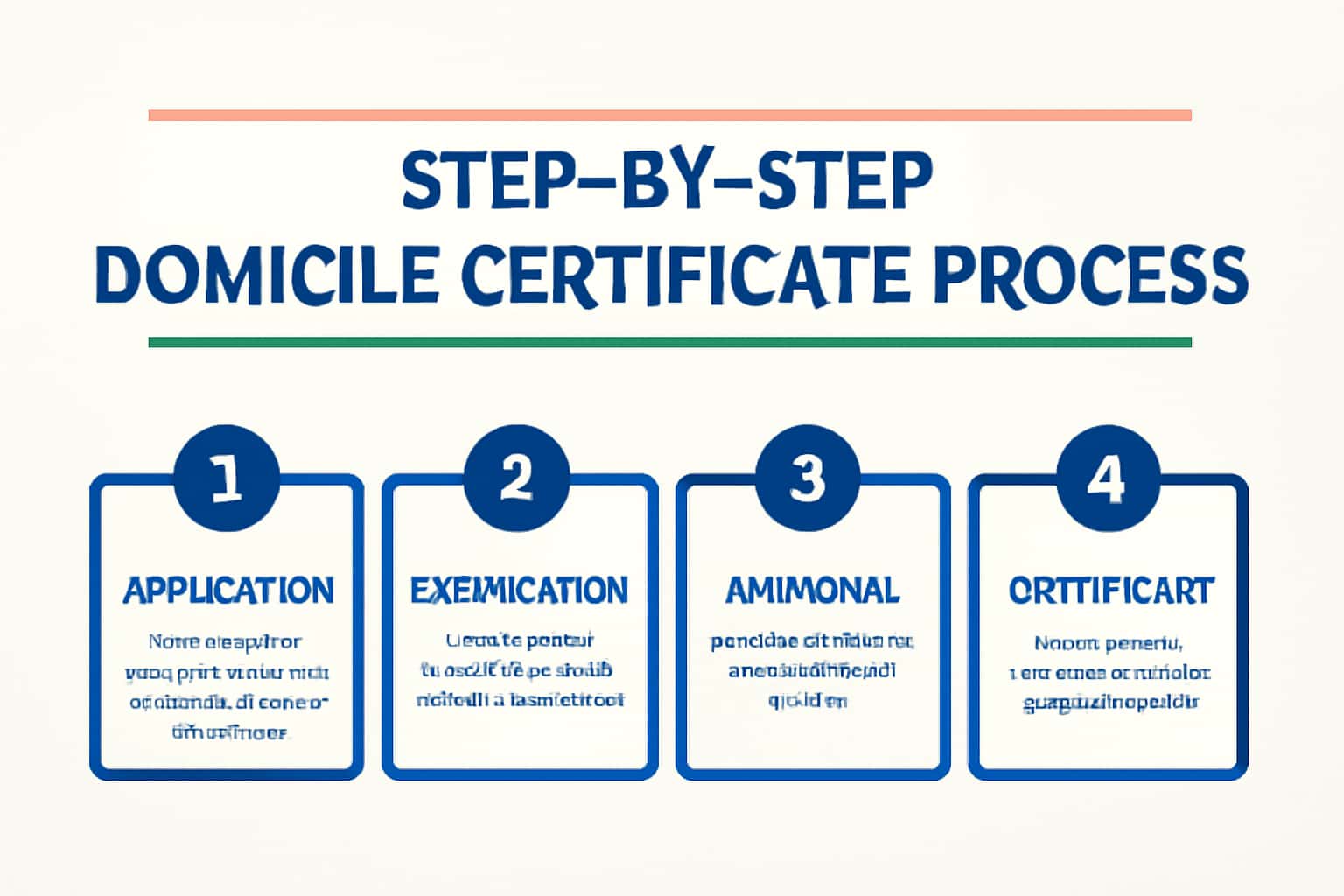
Follow these steps to successfully apply for your Domicile Certificate. Start by creating an account on the official portal if you haven’t already. After logging in, navigate to the Domicile Certificate application section and fill out the required forms. Make sure to double-check all your entries for accuracy, as incorrect information can delay the processing.
Once you submit the application, you will receive a confirmation message along with an application number. Keep this number safe as it will help you track the status of your application. You can track your application by visiting the application tracking page.
- Visit the official portal and log in.
- Fill out the application form for the Domicile Certificate.
- Upload necessary documents as instructed.
- Submit the application and note your application number for tracking.
Common Issues & Fixes
While applying for a Domicile Certificate, you may encounter several common issues. Below are some troubleshooting tips to help you resolve them efficiently. If you face issues while uploading documents, ensure that the file formats and sizes comply with the specified requirements on the portal.
If you have trouble logging in, ensure your password is correct or try the password reset option. In case of persistent issues, consider reaching out to the helpline provided on the official portal.
- If you have trouble logging in, ensure your password is correct or try the password reset option.
- For document upload issues, check file formats and size limits as specified on the portal.
Frequently Asked Questions
Where do I verify the latest details?
Use the official portal/notification and cross-check dates.
What if I cannot login/apply?
Try the troubleshooting steps and verify OTP/KYC instructions.