 Domicile Certificate
Acquiring a Domicile Certificate is essential for various purposes, including education, employment, and legal identification. This guide outlines the necessary documents and steps involved in the registration process. For further assistance, visit our Help / Helpline page. For related guidance, see Domicile Certificate Login Guide.
Who This Is For
This guide is intended for individuals seeking to apply for a Domicile Certificate. It is particularly useful for students, job seekers, and residents looking to establish their identity and residence within a specific area.
- Students applying for educational purposes.
- Job seekers requiring proof of residence.
- Residents needing legal identification.
- Individuals applying for government schemes.
Eligibility & Requirements (Verify Official Notice)
To be eligible for a Domicile Certificate, applicants must meet certain criteria. These criteria may vary based on state regulations, so it is crucial to verify details on the official notice or portal. For example, some states may require proof of residence for a minimum of five years.
- Must be a resident of the state for a specified duration.
- Age and citizenship requirements may apply.
Documents Needed
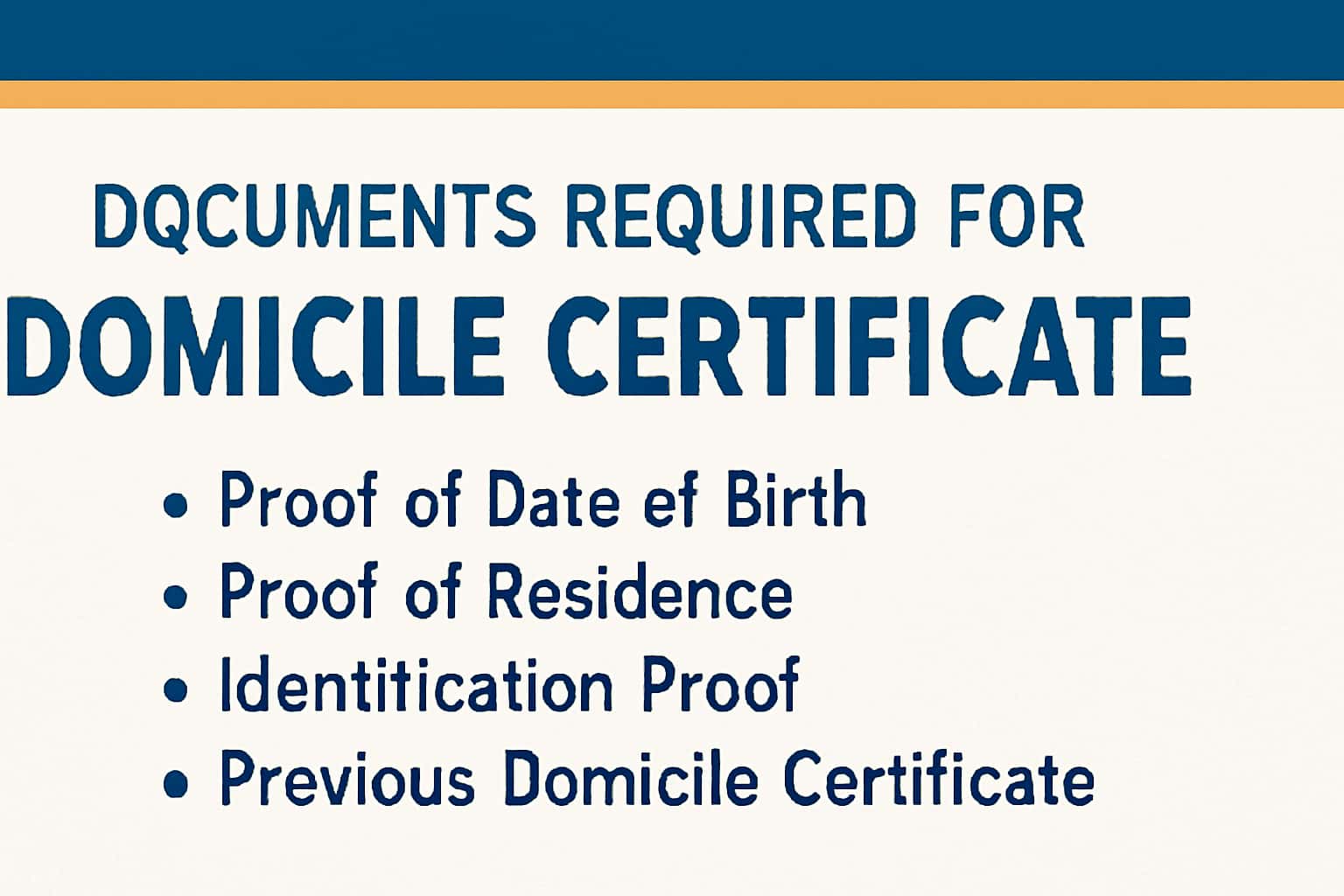
You will need to submit several documents when applying for a Domicile Certificate. Having these documents ready can streamline the application process. Below is a detailed list of typical documents required:
1. Proof of Residence: This can include utility bills (electricity, water), a lease agreement, or bank statements showing your name and address.
2. Identification Proof: Acceptable forms include Aadhaar cards, passports, or voter ID cards.
3. Passport-sized Photographs: Generally, you will need two recent passport-sized photos.
4. Additional Documents: Depending on the state, you might also need documents such as an affidavit stating your residency or employment proof.
- Proof of residence (e.g., utility bill, lease agreement).
- Identification proof (e.g., Aadhaar card, passport).
- Passport-sized photographs.
- Any additional documents as specified by the state.
Step-by-Step: How to Proceed
Follow these steps to successfully apply for your Domicile Certificate through the online portal. This structured approach will help ensure that your application is processed without delays.
1. Login: Begin by logging into your account on the portal. If you don’t have an account, you can register by visiting the registration page.
2. Navigate: Look for the Domicile Certificate application section within your dashboard.
3. Fill Out the Application: Carefully fill out the application form. Ensure that all details are accurate to avoid any issues later.
4. Upload Documents: Upload the required documents in the specified formats and sizes.
5. Submit Application: Once everything is in order, submit your application and note down the application number for future reference.
- Login to your account on the portal.
- Navigate to the Domicile Certificate application section.
- Fill out the application form accurately.
- Upload the required documents.
- Submit the application and keep a note of your application number.
Common Issues & Fixes
While applying for a Domicile Certificate, you may encounter certain issues. Here are some common problems and suggested fixes:
1. Login Issues: If you cannot log in, ensure that your credentials are correct. If you have forgotten your password, use the password reset option available on the login page.
2. Document Upload Failures: If your documents fail to upload, check the file formats and sizes as specified on the portal. Most portals accept PDF and JPEG formats.
3. Application Submission Errors: If you receive an error during submission, double-check that all required fields are completed correctly. Sometimes, leaving a mandatory field blank can cause the application to fail.
- Login issues: Ensure your credentials are correct and reset your password if necessary.
- Document upload failures: Check file formats and sizes as specified.
- Application submission errors: Confirm that all required fields are completed.
Frequently Asked Questions
Where do I verify the latest details?
Use the official portal/notification and cross-check dates.
What if I cannot login/apply?
Try the troubleshooting steps and verify OTP/KYC instructions.